Overview
Sometimes you need to undo a bad commit, and that’s when the Revert command comes in handy.
Steps
Right-click in the project root directory and choose TortoiseSVN->Show log to open the log window.
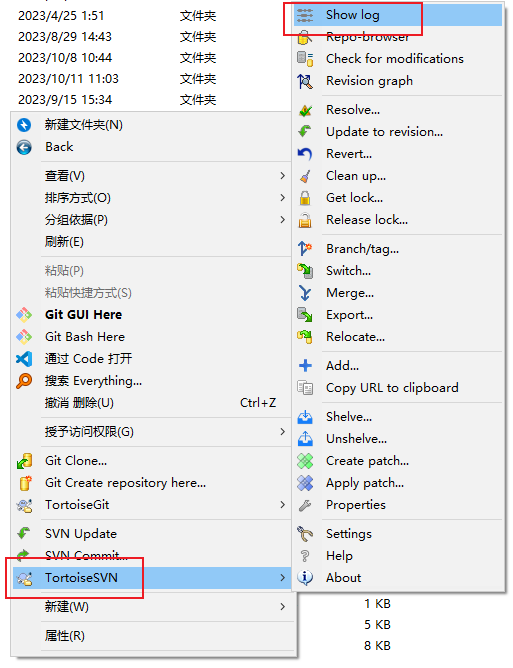 | 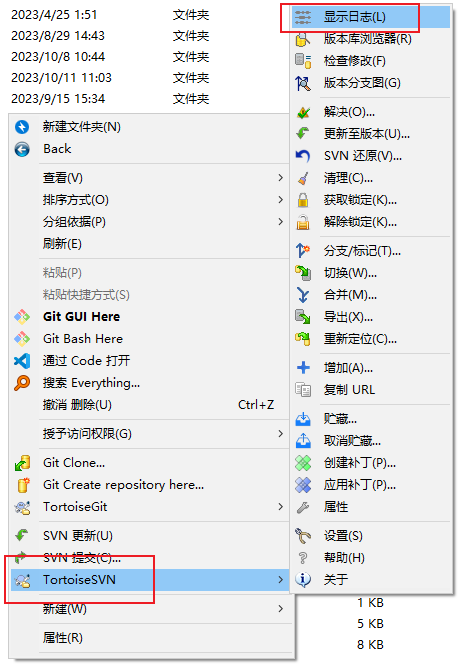 |
|---|---|
| English version | Chinese version |
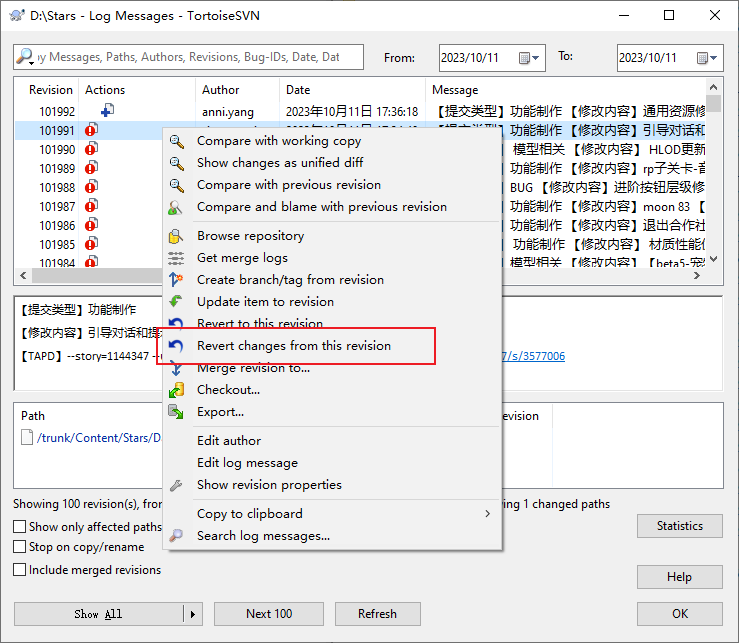
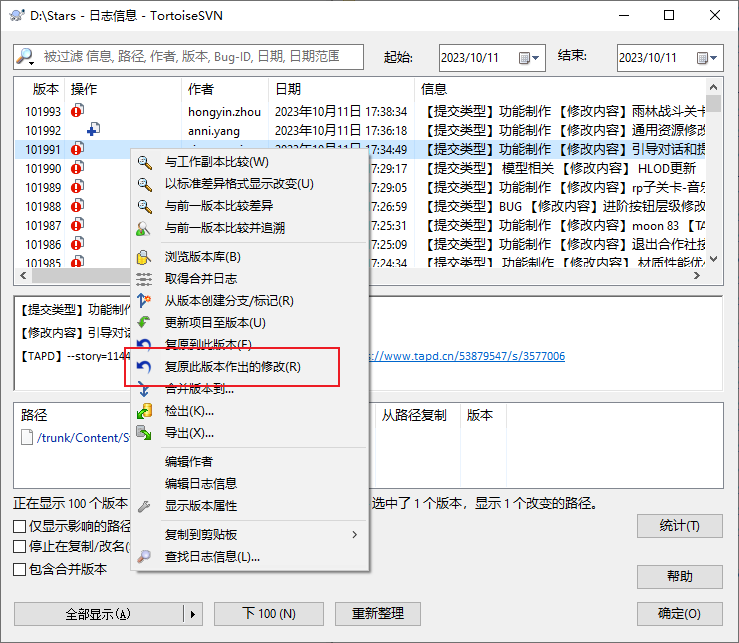
Right-click the revision you want to roll back and choose Revert changes from this revision to open the confirmation window.
 |  |
|---|---|
| English version | Chinese version |
Just choose Revert.
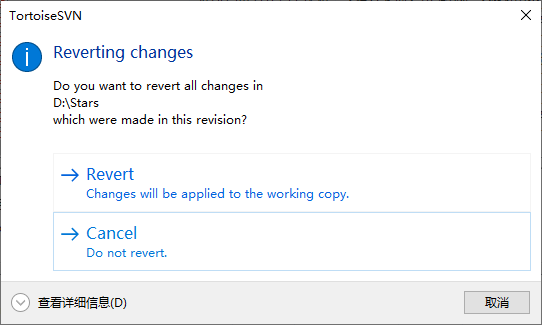 | 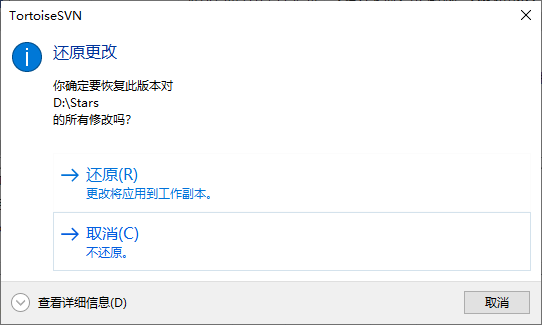 |
|---|---|
| English version | Chinese version |
Options
The difference between Revert to this revision and Revert changes from this revision:
Revert to this revision means 复原到此版本 (restore to this revision), i.e. after it runs, your local state should be exactly what it was after this revision was committed.
Revert changes from this revision means reverting the changes made in this revision, i.e. after it runs, your local state should be what it was before this revision was committed.