Feature Overview
Sometimes, to avoid instability in the trunk caused by in-development mechanisms, we create a new branch.
You can use the Switch command to switch the local directory to the target branch.
Switching Branches
Right-click in the project folder and select Switch... to open the branch switching window.
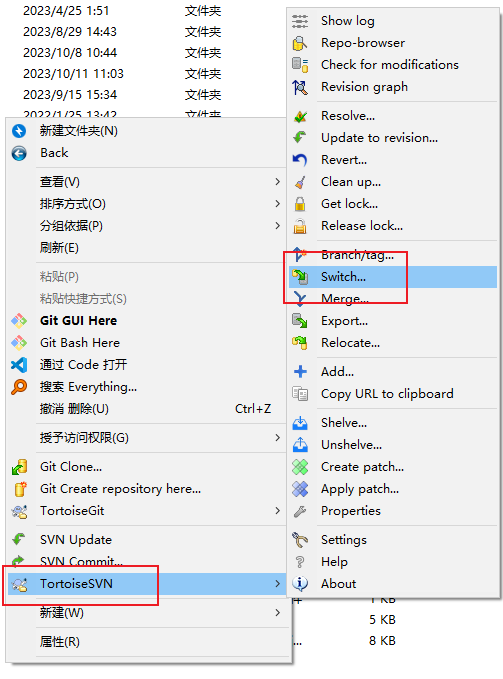 | 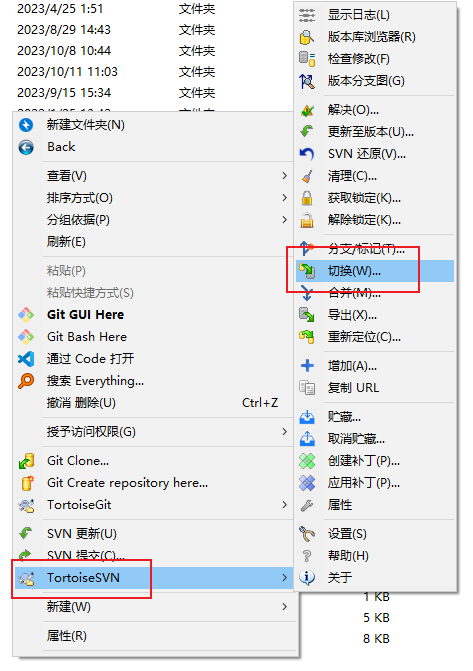 |
|---|---|
| English version | Chinese version |
Enter the target branch, click confirm, then wait for it to finish.
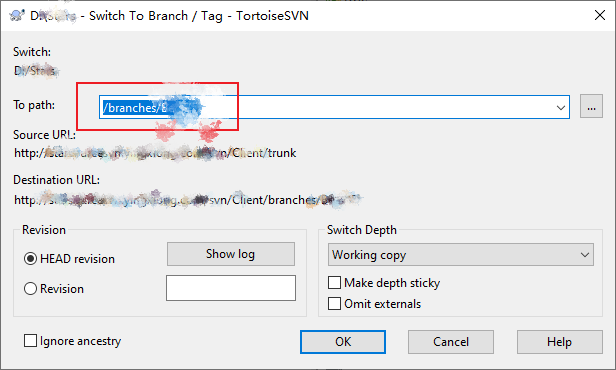 | 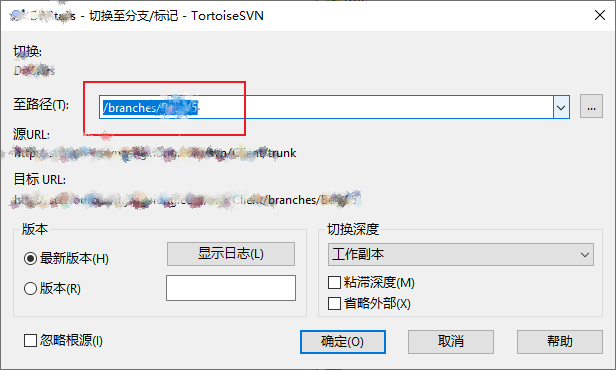 |
|---|---|
| English version | Chinese version |
Switching a Single Directory or File
Select switch on the directory you want to switch
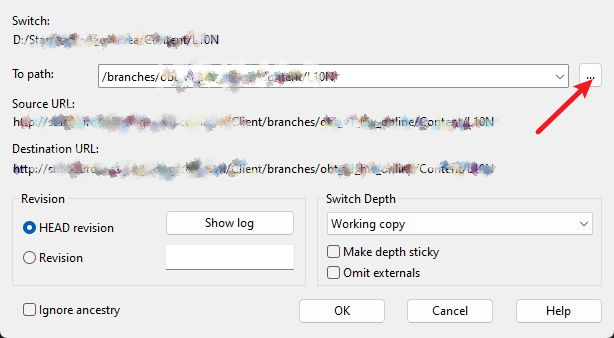
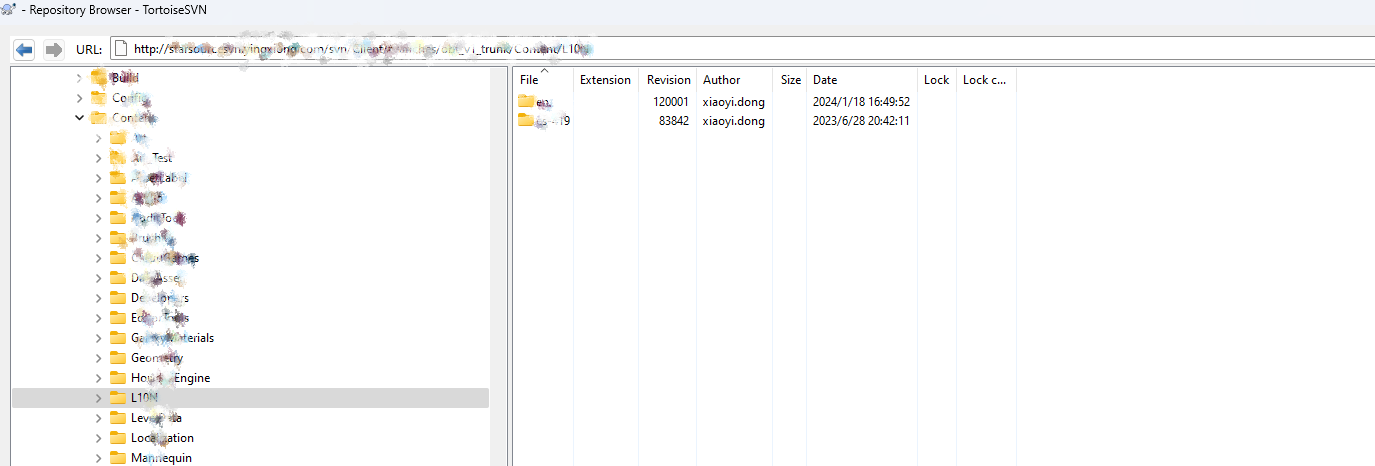
Find the directory corresponding to the branch you want to switch to and click confirm
Return to this screen and click ok
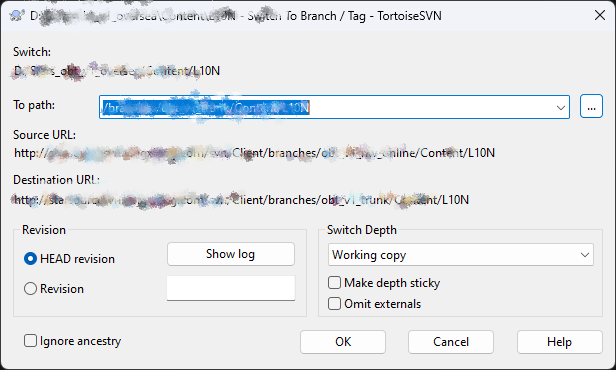
Note: If you switch a single directory or file to a specified branch, remember to switch back to the original branch after making changes